Streamline Your Temporary Staffing Service With Access for Everybody in Your Organization
Efficient multi-user system for managing temporary personnel with ease and flexibility for your business.
At MBS Temporary Systems Inc. , we specialize in creating efficient multi-user systems designed to streamline the management of temporary personnel, ensuring seamless operations for businesses of all sizes.
Easy navigation for managing temporary personnel and tracking assignments effectively.
Real Time Updates
Stay informed with instant notifications and updates on personnel availability and assignments.
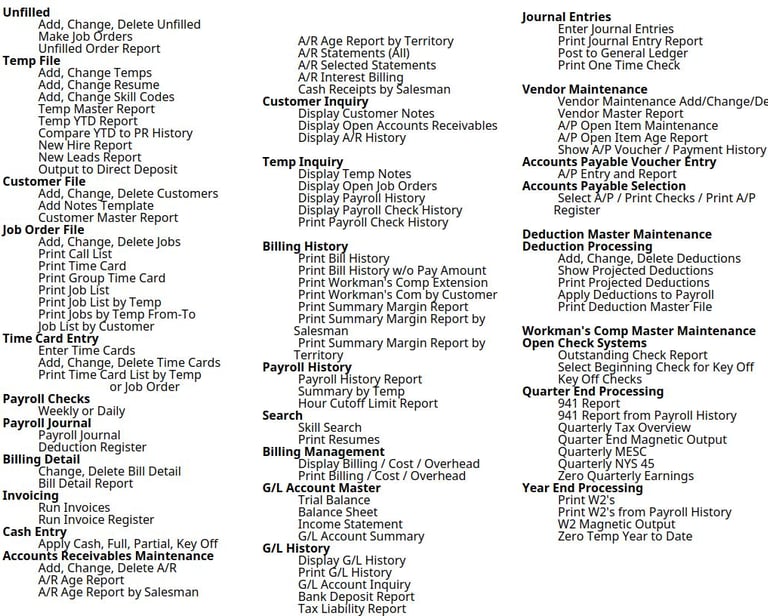
The Following Shows the Menu for the Temporary Personnel System, When We Say a Complete System.. We Mean It.. Everything at Your Desktop.. All Shared and Secure In Your Office!
Multi - User Systems:
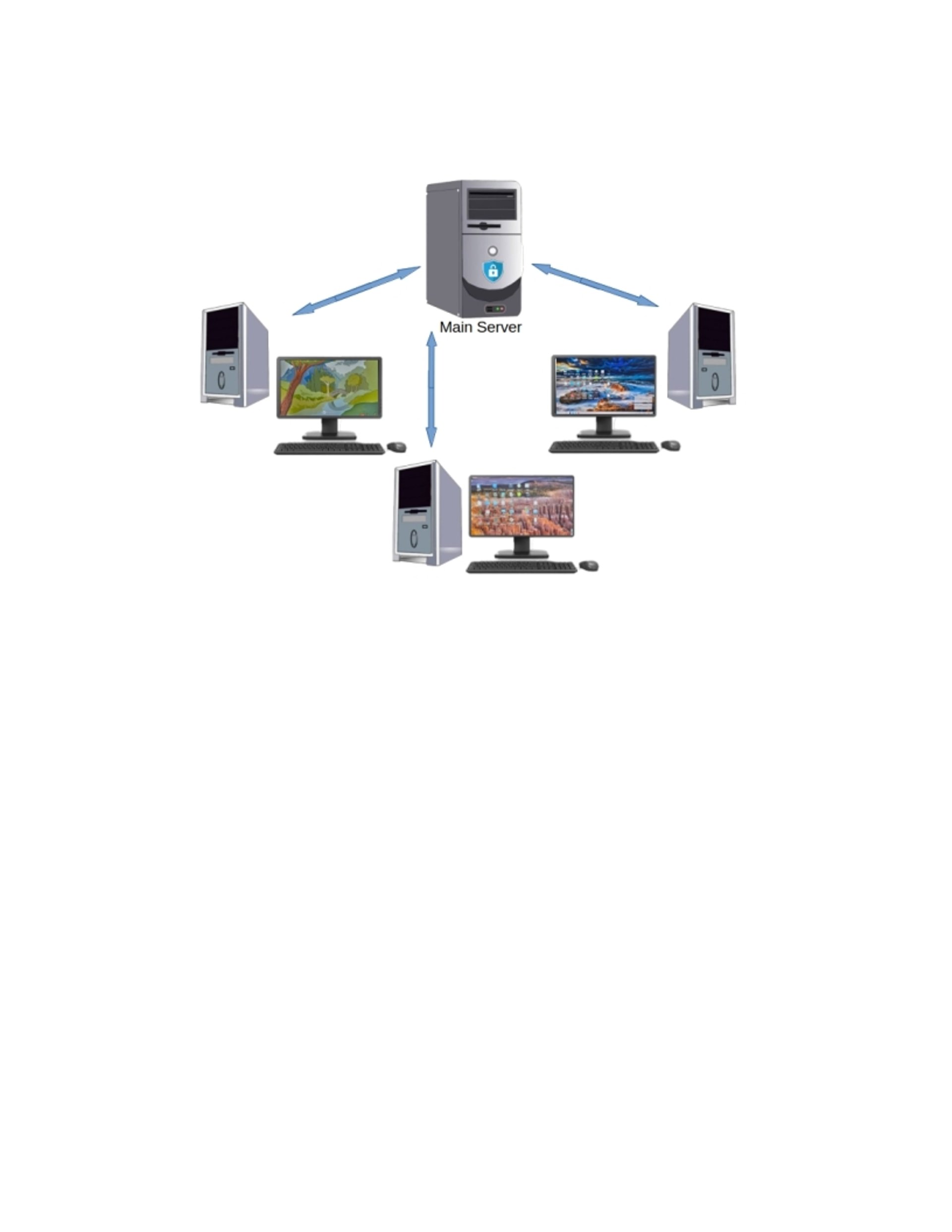
A Multi-User system enables simultaneous Access to shared files and computer services for multiple users at the same time.
By providing concurrent access to data files and all employees, efficiency is enhanced by eliminating wait times.
Temporary Personnel Solutions
Efficient multi-user system for managing temporary personnel and optimizing workforce deployment.
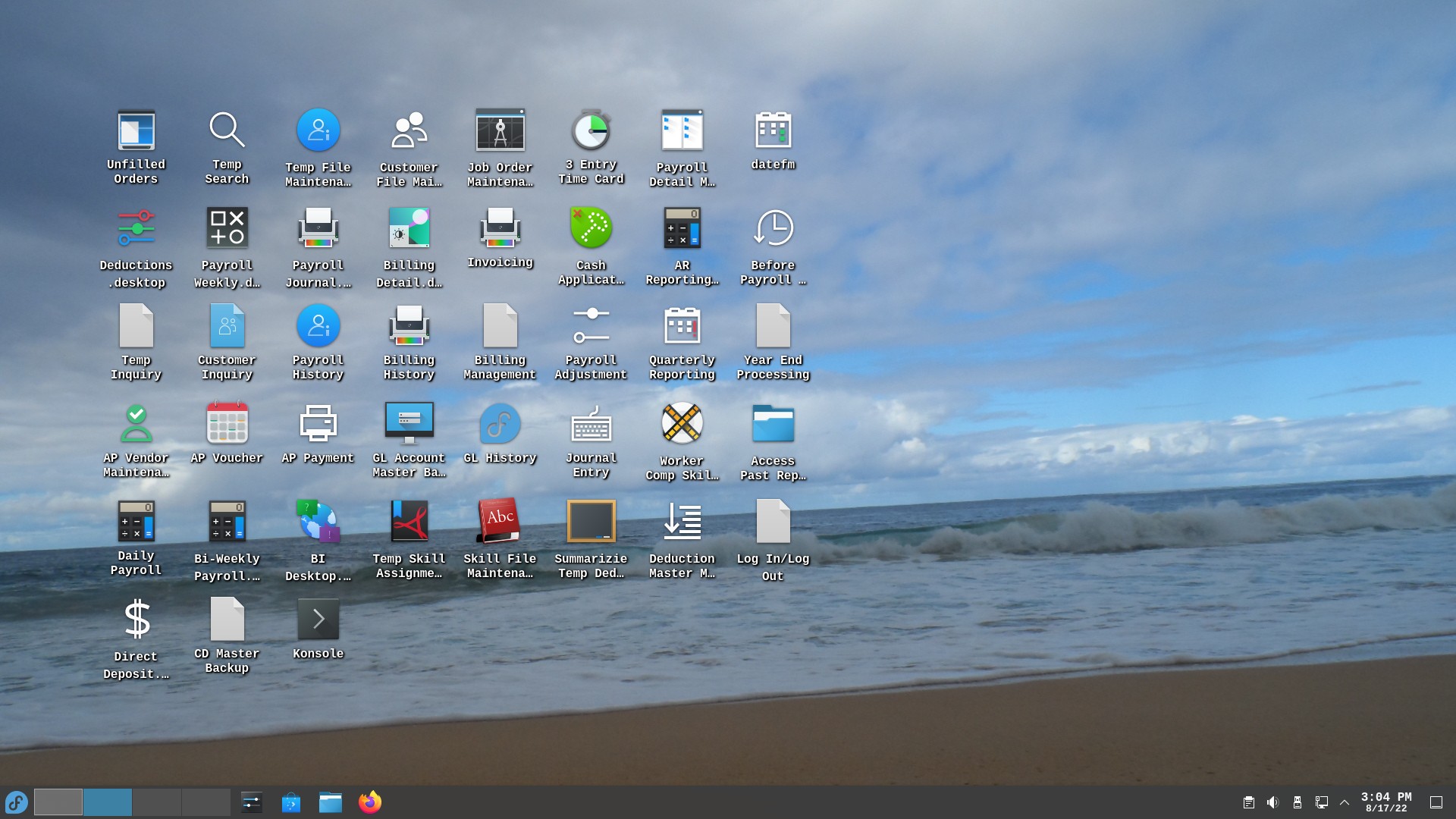
Full Software System From Search to ..Job Orders to Full Payroll to Invoicing to Accounts Receivables to Reporting
All Integrated Single Entry, Efficient, Fast!


User-Friendly Interface
Micro Server 2 : AMD Ryzen 5600U
I. Temporary Personnel Software 'Platinum'
II Multi-User Micro-Server
III Full Software and Hardware Service -Available
Server Linux Micro - Server + 'Platinum' Software
Laser Printer
Ethernet Hub
$12,995
Desktop Tower Server: AMD Ryzen 5600
I. Temporary Personnel Software 'Platinum'
II. Multi-User Linux Server -Tower Chassis
III. Full Software and Hardware Service - Available
Server Linux Tower + 'Platinum' Software
Laser Printer
Ethernet Hub Ethernet Hub
$19,995 !
Micro Server 1 : AMD 1094
I. Temporary Personnel Software 'Platinum'
II. Multi-User Micro-Server
III Full Software and Hardware Service - Available
Server Linux Micro - Server + 'Platinum' Software
Laser Printer
Ethernet Hub
$9,995 !
We use a range of AMD processors that give us the ability to offer Exactly the same Solution with a Range of Hardware.
By utilizing a range of Compatible Hardware, we are able to Extend our Software and Service cost with One investment! Giving You an Amazing range of Solutions.
Start at one Level and Go Up as your Office Grows, without giving up a familiar solution.
Easy, expandable system, low cost, high productivity.
Multi-User Hardware with Different Capabilities, so YOU can Select, based on your Needs
Training is On-Line, in your office
We Connect to your system, takeover Your Screen and show You in Real Time how your System works
(In your Office on Your System)
If you Have Questions later, we can do the same process to answer your question in Real Time!
Hardware Service
If you have a Hardware Service question, we can log onto your machine to Diagnose a problem and if Necessary our Hardware Service includes a Replacement Computer until your computer is repaired.
Advanced Underlying Software:
The Basis for MBS Temporary Systems 'Platinum'
Linux:
Linux is derivative of the Unix Operating System, which was engineered as a secure, high-performance solution for Multi-User processing. Linux excels in providing secure access to system Functions and efficient file processing and was created as a micro-processor based solution to traditional mini-computers. As Micro-Processors have become exponentially more powerful micro-based systems have replaced most mini-computers, resulting in impressive increases in computer capability for a great reduction in cost.
Kylix:
Kylix is the Programming Language used to Develop the MBS Temporary Systems Inc. / Archon-LX 'Platinum' Software. Kylix is a programming system that provides native mode (Kylix creates native mode code that executes directly on the processor as opposed to interpreted programs. The core difference lies in when the translation to machine language happens: before the program runs (compiled) or while it is running (interpreted). Because native compiled is ready to execute directly, compiled code runs faster.
VNC:
VNC is comprised of 2 parts: the VNC Server and VNC Viewer.
VNC is very fast low resource connection between a linux server and user (either remote or local) that allows the user to connect to programs on the server with an existing Windows-based PC desktop. This means a major cost 'new desktops', is completely eliminated with tigervnc, which is free on the Linux system.
The VNC Server that runs on the Linux server, allocates a memory space for each projected user. When a user connects to the Linux server the user connection passes the user number to the VNC server.
The VNC viewer is a program that acts as a 'bridge' between as users Windows-based PC desktop an the VNC Server, running on Linux. The VNC server/viewer give the 'Platinum' system a ZERO cost solution to having a Multi-User solution for your users.
Contact Us
Get in touch for inquiries about our multi-user system for temporary personnel. We're here to help!
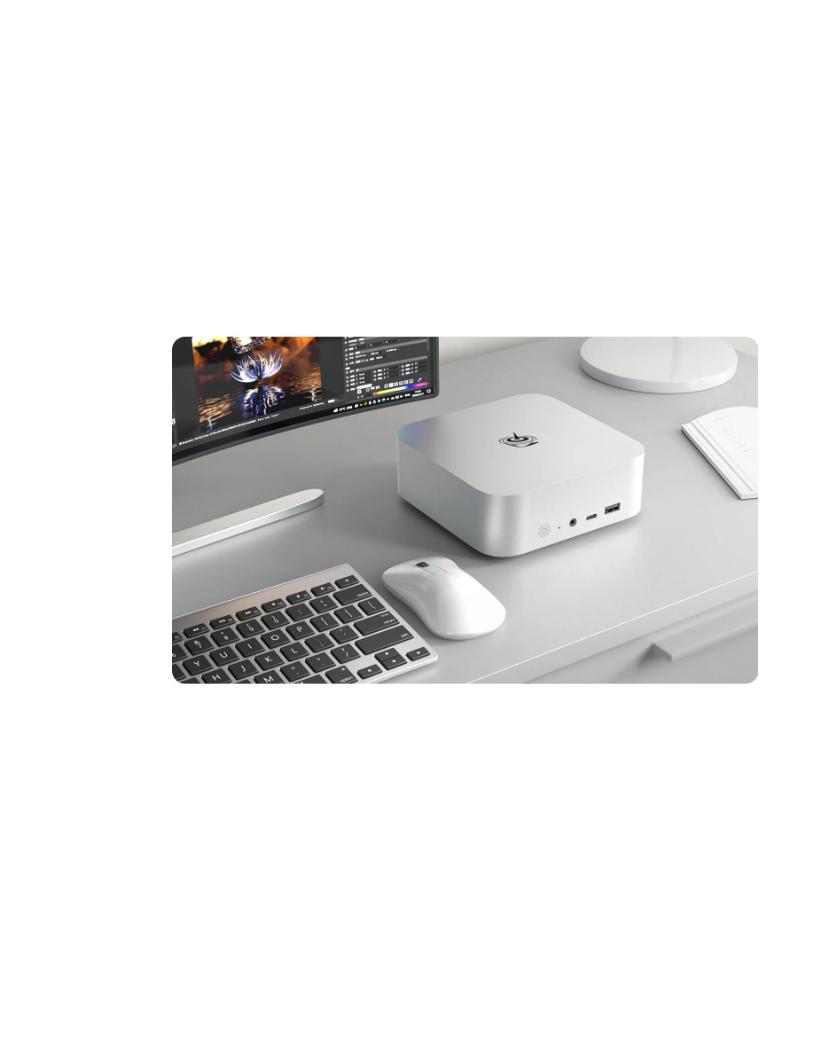
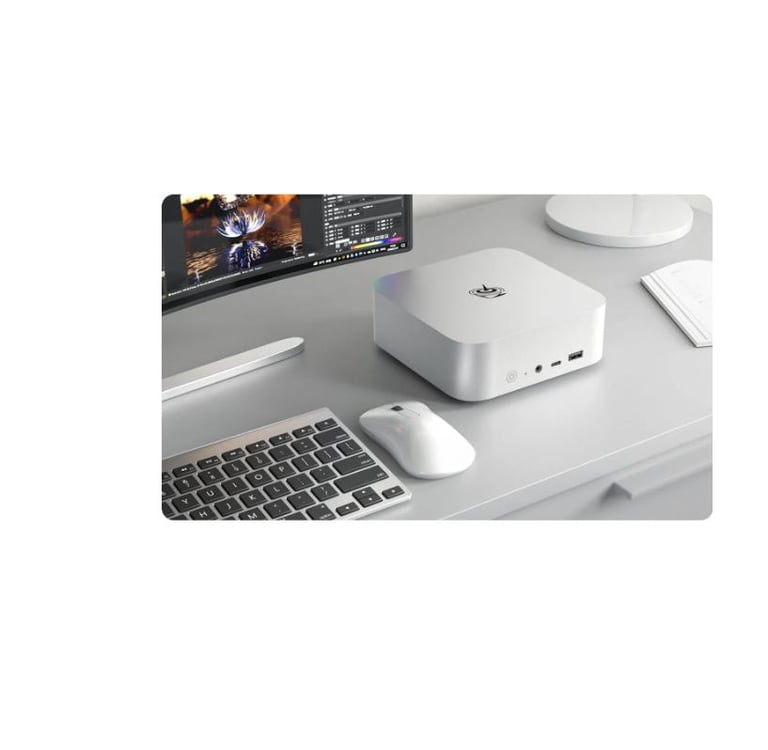
Our New 'Application Server'
'The MBS system works for us every day. It's built specifically for a Temp Staffing Service. MBS supplies everything we need, including any extras we make. Updates and changes happen overnight, with little down-time, and any questions we have are answered immediately. We have had no problems with this system, and we love the personal service we get from John and his team'.
Amanda with Future Force Temp Service
John A. Ward, President


★★★★★
Customer Endorsement
Get in touch
Address
2907 Timberline Drlve, Eugene, OR 97405
Contacts
Quick Links